

FLOWER liquidity pool (Uniswap)
Create a Uniswap V3 USDC/FLOWER 0.3% position on Base from scratch, validate in-game, and understand reward ranking.
What it is
Sunflower Land can recognise players who provide liquidity to the USDC/FLOWER pair on Uniswap V3 (0.3% fee) on Base. Supporters may receive optional in-game gifts (boxes, cosmetics, food) — never guaranteed, and not a financial yield from the game.
Manager tools:
- This guide
- Liquidity pool ranking — reward bands + Dune leaderboard
Warning: Uniswap is a third-party protocol, not affiliated with Sunflower Land. Providing liquidity involves risk (impermanent loss, price, gas). Only participate if you understand how it works.
Official game requirements
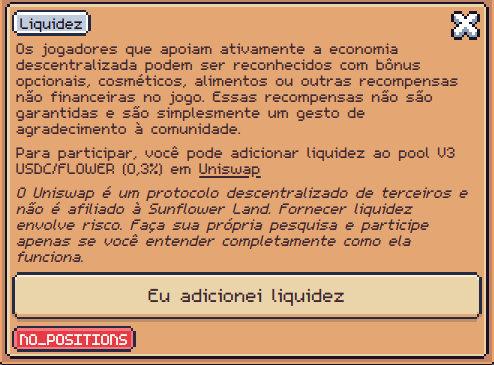
The in-game Liquidity modal asks for:
- Uniswap V3 position (not V2 / not V4)
- Pair USDC / FLOWER
- Fee tier 0.3% (
feeAmount3000) - Network Base
- Then click “I've added liquidity” in-game to register (
liquidity.registered)
Contracts (always double-check)
| Item | Value |
|---|---|
| Network | Base |
| FLOWER | 0x3e12b9d6a4d12cd9b4a6d613872d0eb32f68b380 |
| USDC | 0x833589fCD6eDb6E08f4c7C32D4f71b54bdA02913 |
| 0.3% pool | 0xafe30319a948f322585fafc1cab1671a47eb3786 |
Official docs: FLOWER ERC20.
Create the pool from scratch
1. Wallet and network
- Use the farm’s linked wallet (the one the game reads on-chain).
- Switch MetaMask (or similar) to Base.
- Hold ETH on Base for gas plus USDC and FLOWER in that wallet.
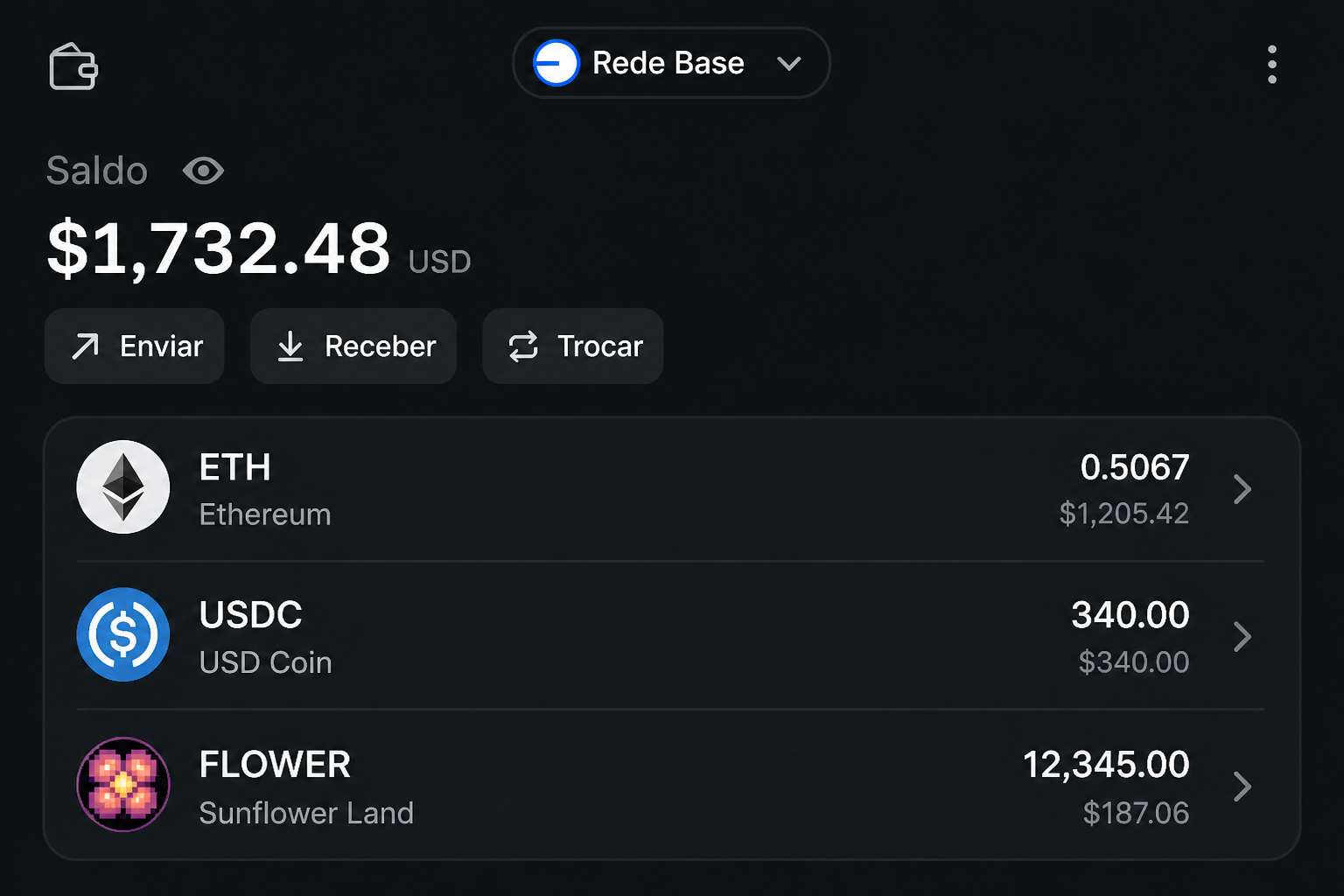
2. Buy FLOWER / USDC if needed
Game-suggested swap (Base):
3. Create a V3 position
Deep link from the game (preselects V3, Base, FLOWER/USDC, 0.3%, full range):
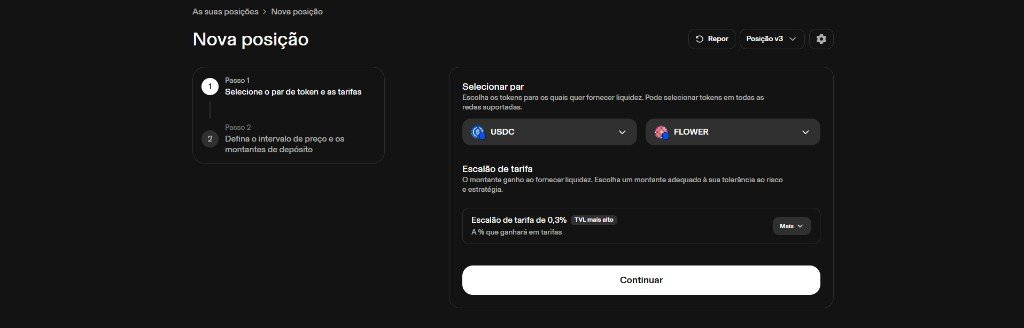
#### Step 1 — Pair and fee
- New position → v3 (not V4).
- Tokens: USDC + FLOWER.
- Fee tier: 0.3% (often labeled highest TVL).
- Click Continue.
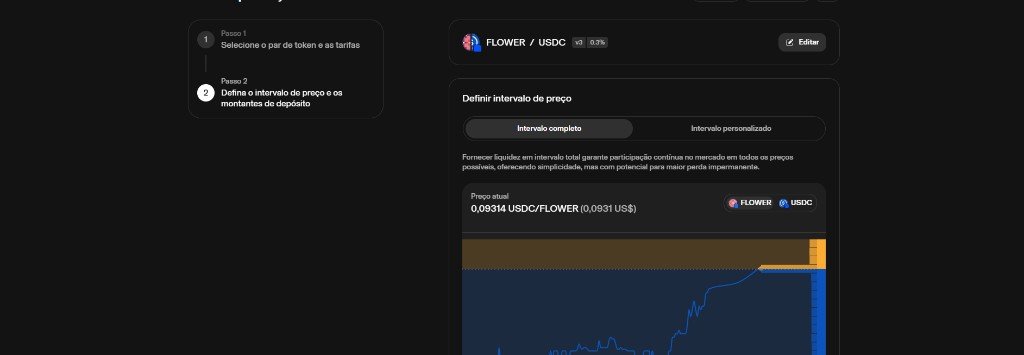
#### Step 2 — Price range
- Choose Full range (the official game link already uses this — simplest for beginners).
- Check the current FLOWER/USDC price.
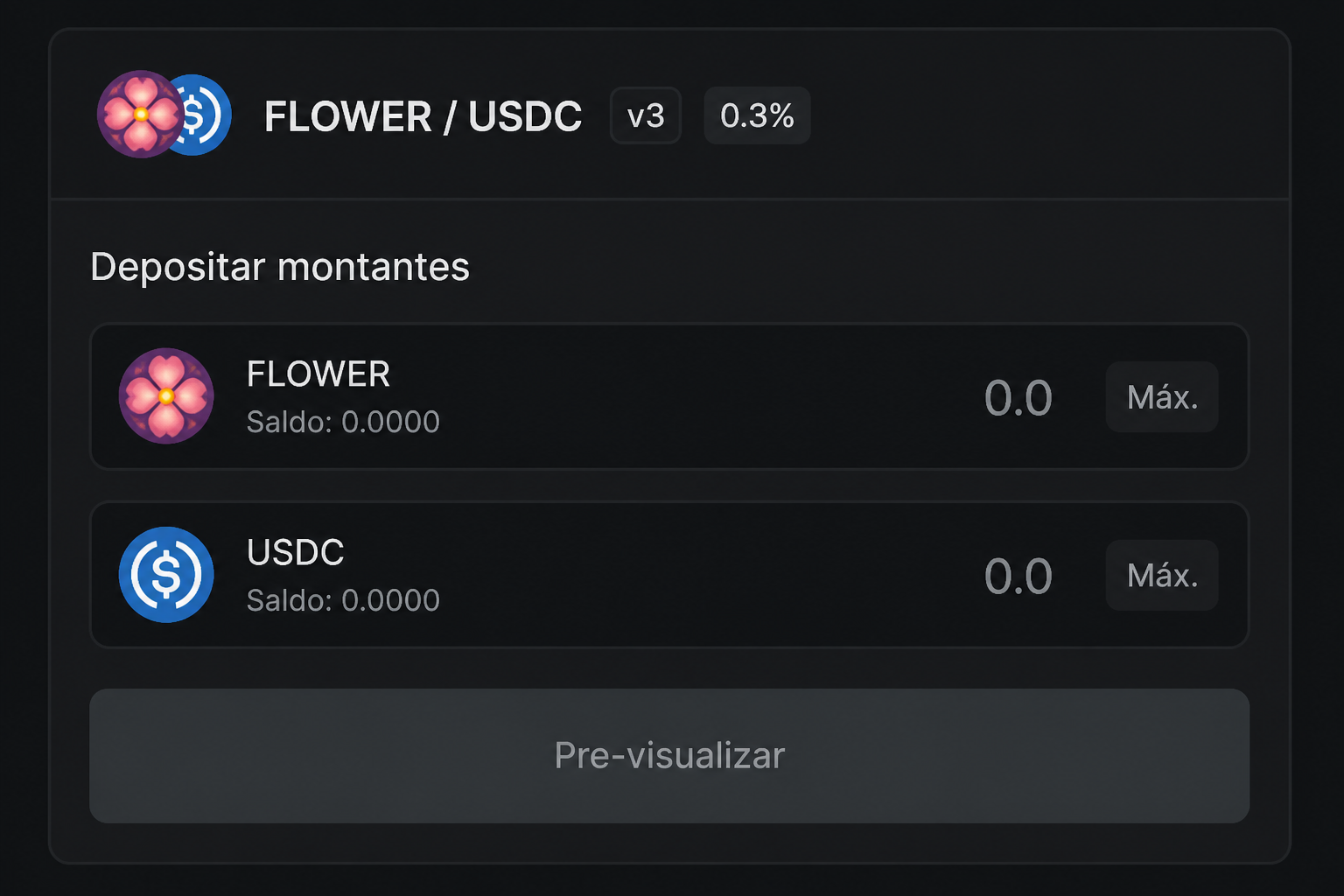
- Then enter deposit amounts (you need both sides).
#### Step 3 — Confirm and view the position
- Approve tokens if asked.
- Preview → confirm the tx.
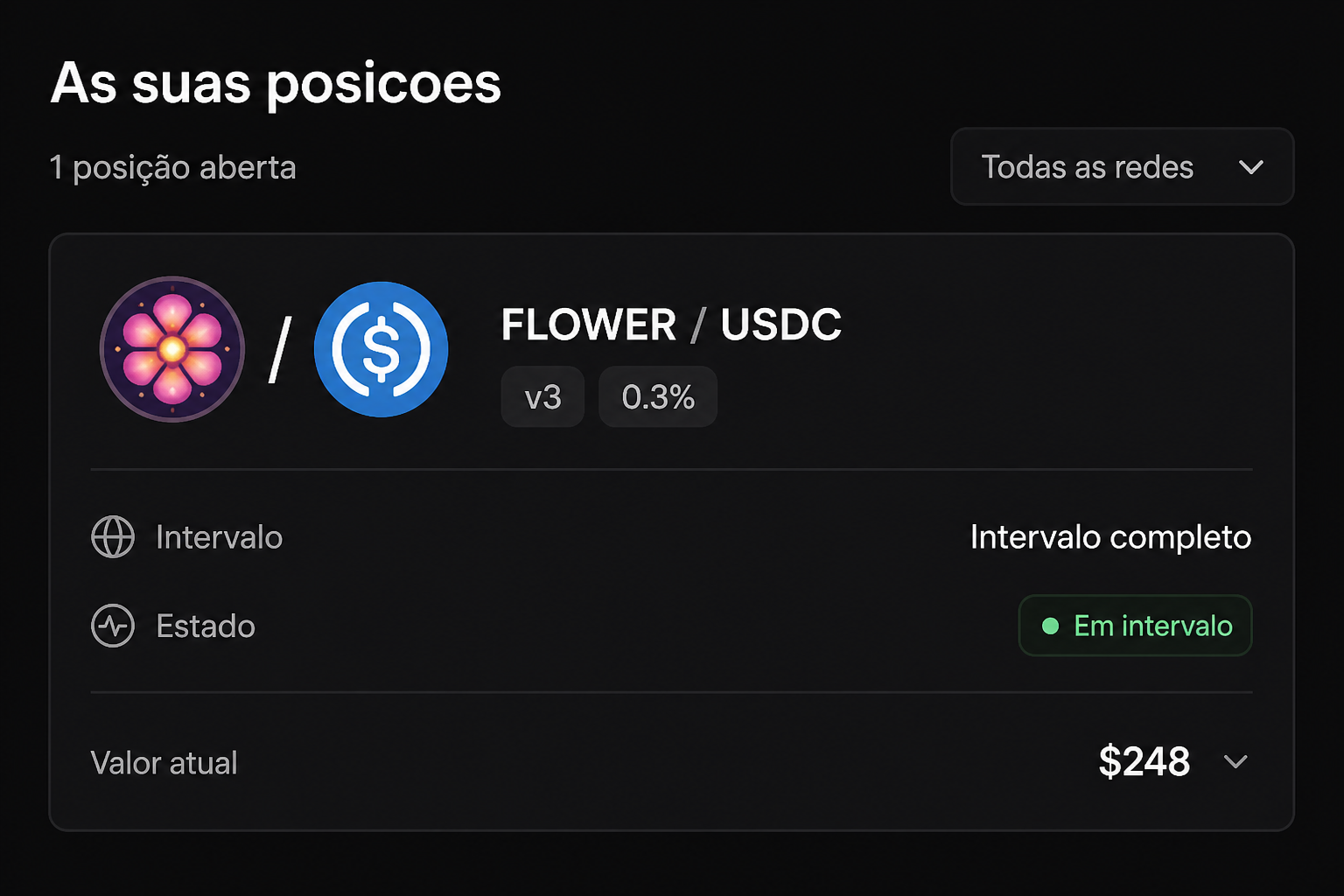
- The position appears under Your positions (v3 · 0.3% · in range).
4. Validate inside Sunflower Land
Without the in-game click, the position is not registered for recognition.
- Open the game on the linked farm.
- Flower Dashboard → Liquidity / Rewards.
- Click “I've added liquidity”.
- If you see
NO_POSITIONS, the API has not found a valid position yet (wrong pair/fee/network, different wallet, or indexing delay). Wait and retry.
After success, the game notes that participation is reviewed daily (up to ~500 supporters may receive an optional gift — see live in-game copy).
Ranking and rewards
Community TVL / position leaderboard:
dune.com/vitt0c/flower-lp-leaderboard
In Manager: Liquidity pool ranking.
| Band | Typical community reward |
|---|---|
| Top 10 |  Gold Flower Box Gold Flower Box |
| Top 50 |  Silver Flower Box Silver Flower Box |
| Top 250 |  Bronze Flower Box Bronze Flower Box |
| Top 500 |  Bronze Food Box (community report) Bronze Food Box (community report) |
Gifts are optional, non-financial, and never guaranteed. Always trust the current in-game modal text.
Common mistakes
| Symptom | Likely cause |
|---|---|
NO_POSITIONS |
Fee ≠ 0.3%, V4 instead of V3, not Base, wallet ≠ linked |
| Tx OK but game fails | Skipped “I've added liquidity” |
| Only one token deposited | V3 full range still needs both assets in proportion |
| Dropped from ranking | Removed liquidity / out-of-range (if not full range) |
Next steps
- Open the ranking and find your wallet on Dune.
- Review wallets & tokens if you are new to Base.
- Buy/deposit FLOWER using official docs.